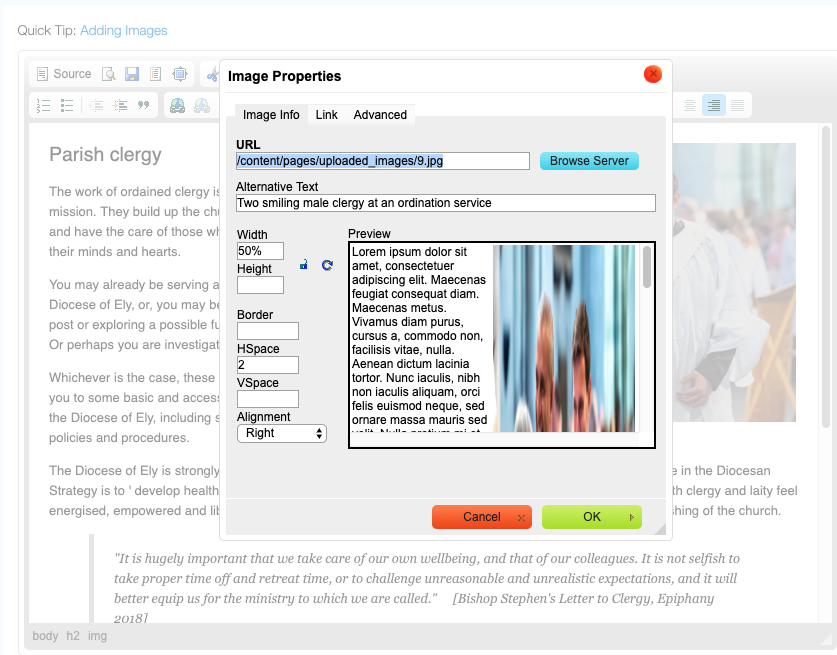
In broad terms, any fixed-width images, videos or tables within the site might not appear so well within smaller mobile browsers. The general principle is that any images, videos or tables within the content pages will appear better, across different devices, if their widths are defined as a percentages(%) — rather than a fixed width dimension (such as pixels). To define an image in percentages within the page editor, right click on the image > image properties. Add the width as a percentage and remove the height dimension. With video iframes you need to retain a height dimension.
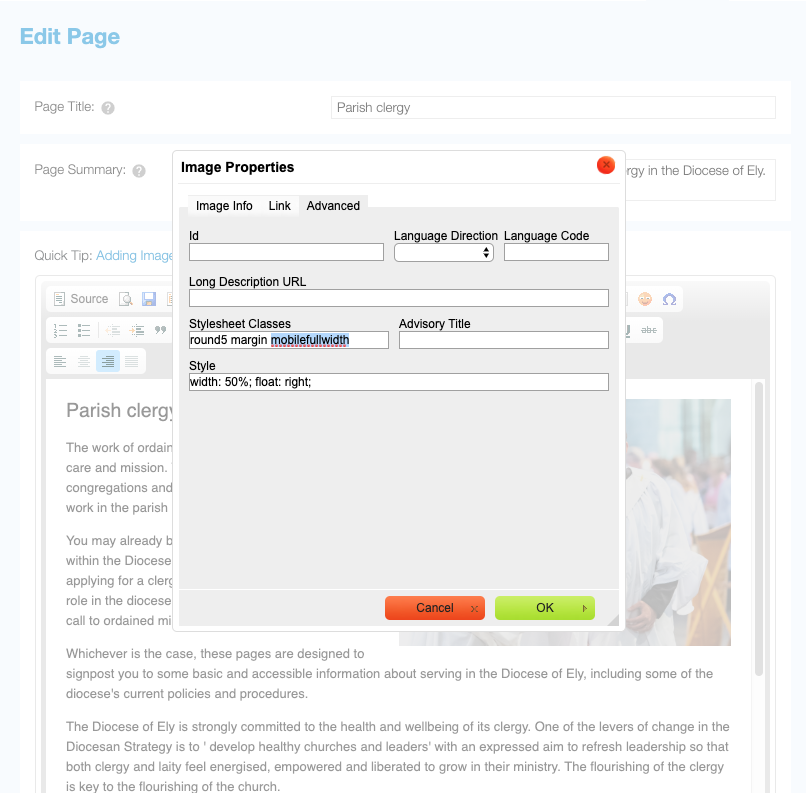
If you want your images to appear differently on a mobile phone (for example, showing images proportionally larger on a mobile screen) you can assign a mobile specific style to the image by going to Image Properties > Advanced > Stylesheet Classes.
For making the image full width on mobile us mobilefullwidth